How do I join a horror island?
Open its game page, copy the published island code and enter it in Fortnite's Discover search. Use the official creator link to confirm the island before joining.
 MYFAVORITEPLAY
Choose your next unsettling Fortnite island by its actual description, not only its thumbnail. These creator maps are identified as horror in their listed titles, genres or tags. Each game page provides its published island code when available and a link to the official creator listing.
Browse all games and platforms →A starting selection from the current catalogue. Read each game’s details and confirm its current requirements on the official platform.
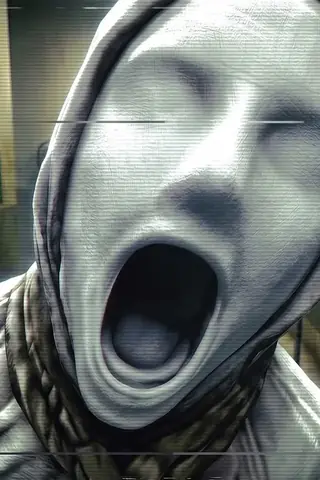 The Morgue ShiftHorrorFortnite Creative
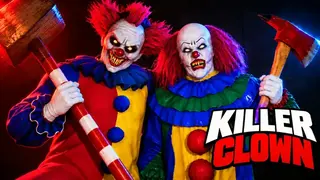 KILLER CLOWNS [SURVIVAL]Survival Horror / SurvivalFortnite
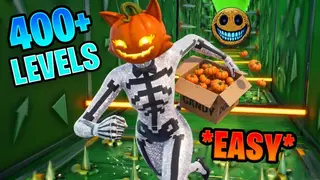 HORROR DEATHRUNHorror / ParkourFortnite
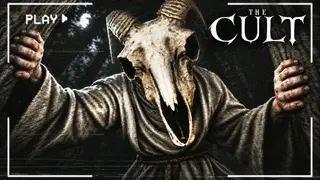 THE CULT [HORROR]Horror / Survival HorrorFortnite
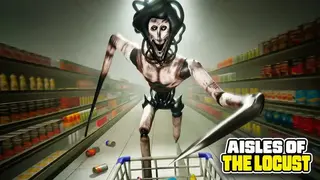 AISLES OF THE LOCUST [HORROR]Horror / Survival HorrorFortnite
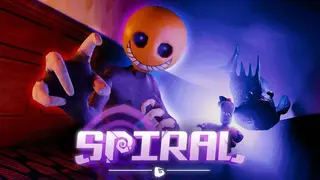 GENESIS SPIRAL 🌀Horror / Survival HorrorFortnite
 BALL VS BALL🎃 [HALLOWEEN EVENT]Strategy / Just For FunFortnite
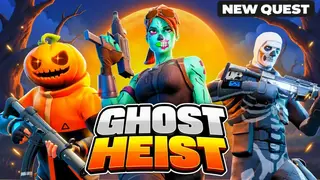 GHOST HEIST ESCAPE [ROGUELIKE]Co-Op / RoguelikeFortnite
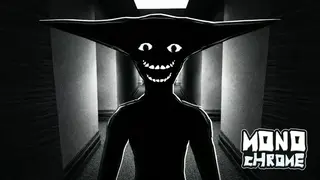 MONOCHROME [HORROR]Horror / Survival HorrorFortnite
 Murder MysteryParty Game / Role PlayingFortnite
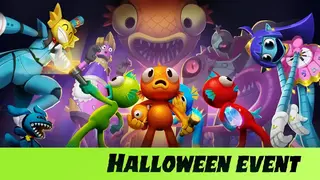 SCALESurvival Horror / Co-OpFortnite
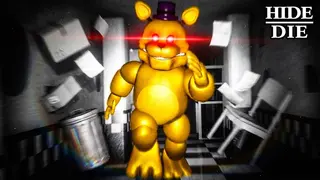 HIDE OR DIE [HORROR]Escape / Party GameFortnite
 SARAB سرابHorror / Survival HorrorFortnite
 SCREAM AND RUN [HORROR]Horror / Survival HorrorFortnite
Open its game page, copy the published island code and enter it in Fortnite's Discover search. Use the official creator link to confirm the island before joining.
Read the creator's player-count and party information for the specific island. A multiplayer label does not guarantee that every group size or team arrangement is supported.
These are creator islands played inside Fortnite. Check the island's current age rating and device availability in Fortnite; MyFavoritePlay does not provide a separate installer.